
Players (⌘A)
To add or edit a player, go to or press ⌘A.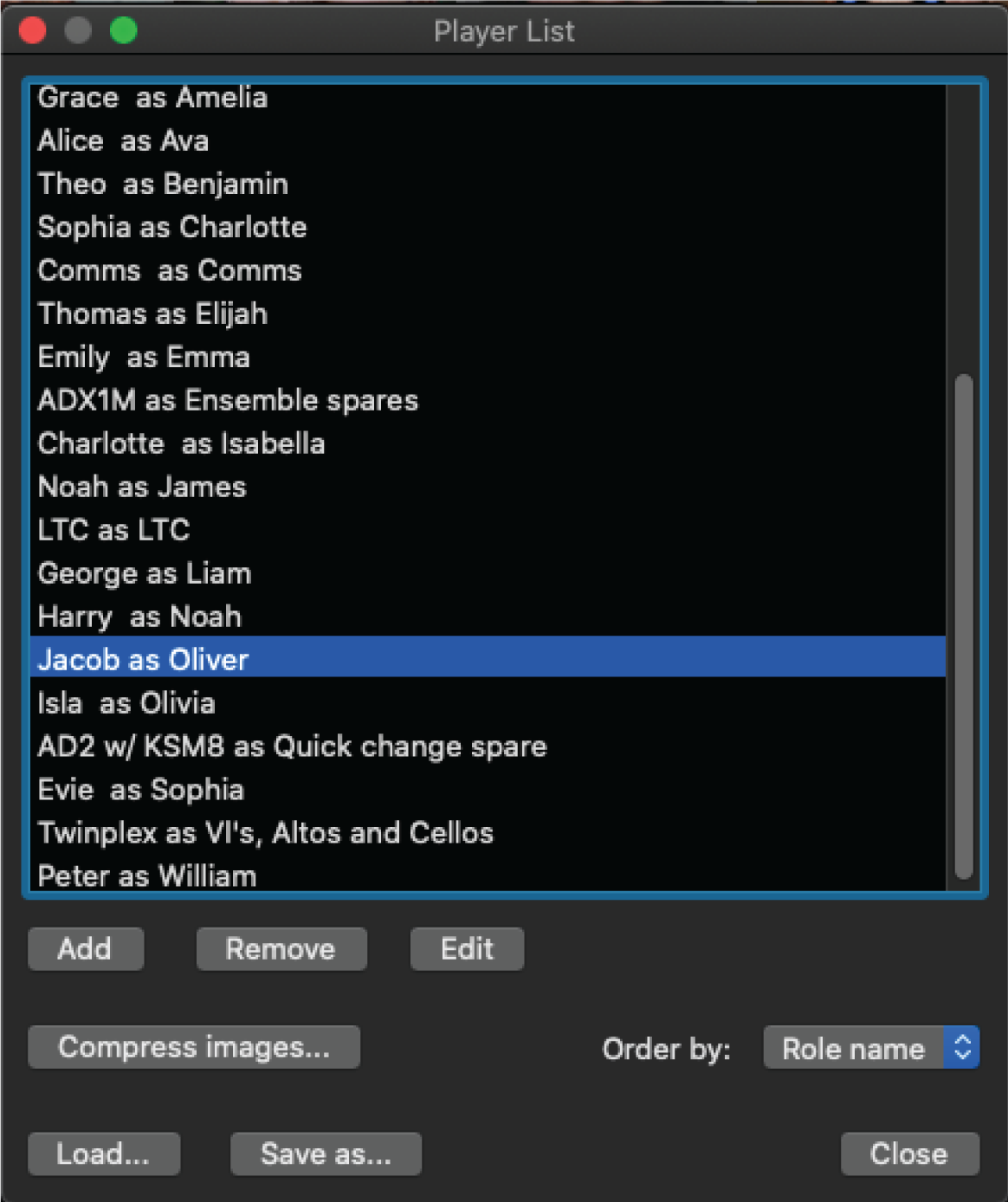
- Assign a real name, role name, and add any additional notes for the player.
- Sort players by their real name or role name.
- Add an image that will show on the player's channel. Compress larger images. Adjust opacity in the Preferences menu.
- Save and load your cast of players.