Notebook Mode
In notebook mode, you can quickly make notes about mics or performers. Notebook mode was
designed for reality show productions, but it can be used in any applications that
require quick notes about the channels.
Note: Notebook mode does not work
with iOS mobile remote on an iPhone due to the small display resolution.
To enter notebook mode, go to .

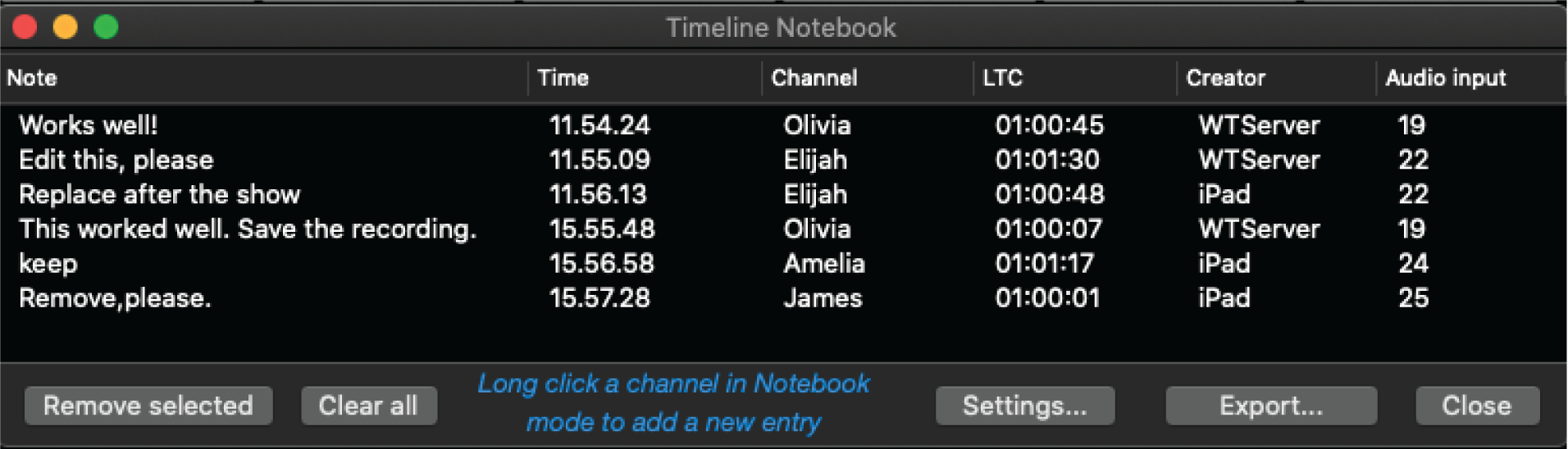
When you are using notebook mode, long clicking a channel will open a text editor with macro buttons. Adding a note from this window will add a note about this particular channel to the notebook timeline.
To see your notes, go to .
The timeline can be exported as a .csv text file.